Travel
A reminder when it’s time to leave
Choose whether you’re walking or driving and give yourself a little extra time. The app works out when to leave, allowing for the journey, traffic, and parking.
Traffic and travel times from Google Maps PlannexPro
Open beta for Android
See what’s coming up, check the weather, and allow time for the journey. PlannexPro reminds you before you need to leave, giving you time to get ready. If an appointment changes, just drag it to a new time.

Screenshots from the app
A little help getting there
Knowing when an appointment starts is useful. Having time to get there helps too. Add the address, and the calendar allows for the journey, parking, and any extra time you’d like before setting off.
Choose whether you’re walking or driving and give yourself a little extra time. The app works out when to leave, allowing for the journey, traffic, and parking.
Traffic and travel times from Google MapsThe forecast sits beside your appointment. While looking through your plans, you can check the temperature and see whether to expect rain on the way.
Temperature and rain for the hour of your appointmentWork and personal events stay in the calendars on your phone. PlannexPro brings them into one view, with no sign-up needed for everyday calendar use.
An account is used for voice features, Todoist, and transferring settingsOpen your Fold or use a tablet to see more of your plans at once. On a Flip’s cover screen, you can check your next appointment without opening the phone.
For phones and tablets running Android 10 or laterWhy I built PlannexPro
I used BusyCal on iOS for years. When I switched to Android, I went looking for a calendar I’d enjoy using just as much. I tried different apps but couldn’t find one that felt right for me.
That’s how I started building PlannexPro. I wanted to change plans easily, check them in widgets, and get a reminder while there was still time to reach my appointment.
I’m building the calendar on my own, and I answer the emails too. If something is missing or feels awkward to use, please write to me. I’d like to know how the app fits into your everyday life.
Email me
Gesture controls
You can make changes while looking at your day. Move an appointment, give it more time, or zoom out to find a gap in your schedule.
Touch and hold an appointment, then drag it to the new time.
Drag the edge if you’ll need a little longer. You can shorten it the same way.
Spread two fingers to zoom in, or pinch to see more of your schedule.
Five calendar views
Check your upcoming plans in the morning, look at the week to arrange a meeting, or open Month or Year to plan a holiday. Choose the view that helps with what you’re planning now.
Open it in the morning to check your upcoming plans and the weather.
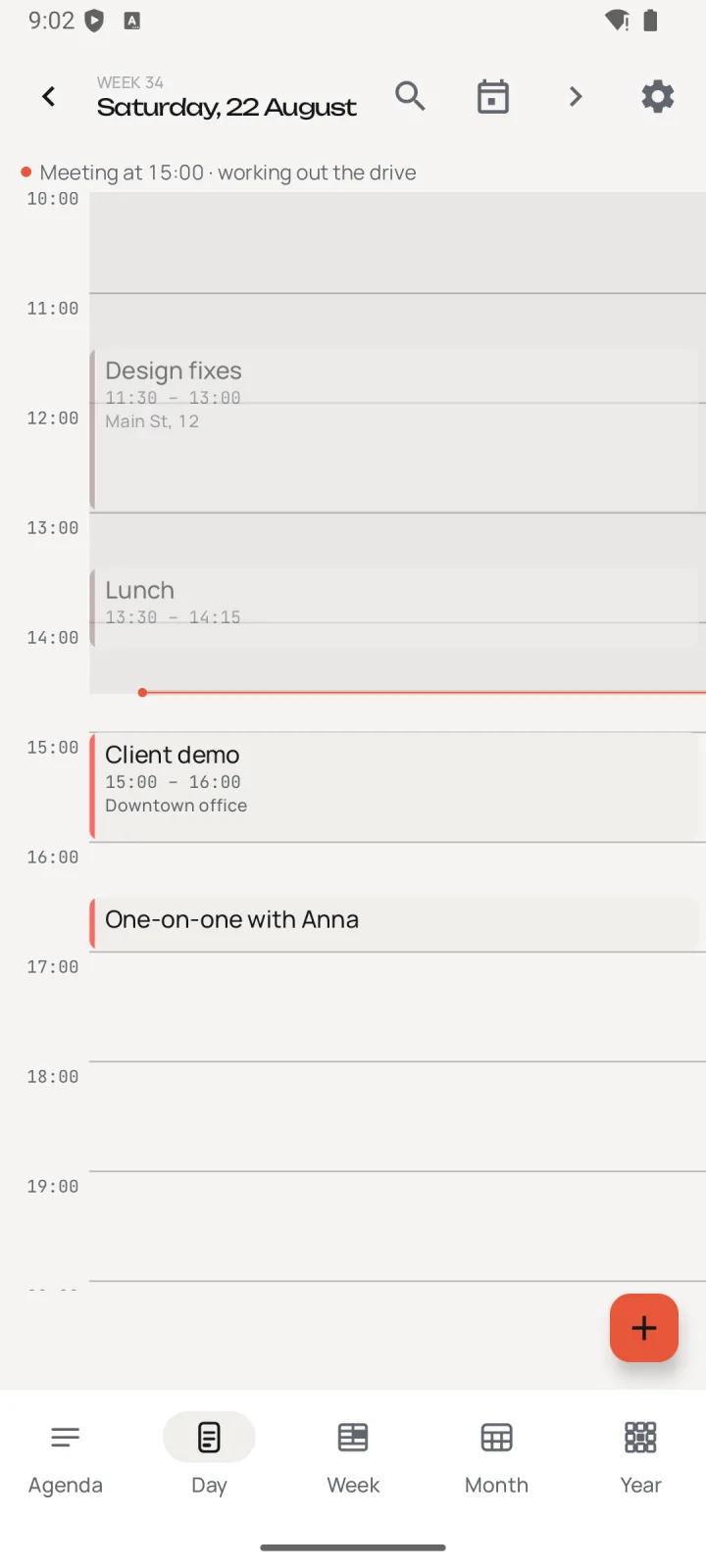
See your day hour by hour and move appointments right here.

Find space for an appointment among your plans for the week. Choose two columns or seven.

Check which days are already busy before making new plans.

Think ahead to holidays and other big plans with the whole year in view.

Upcoming plans and a month calendar, so you don’t have to switch between them.
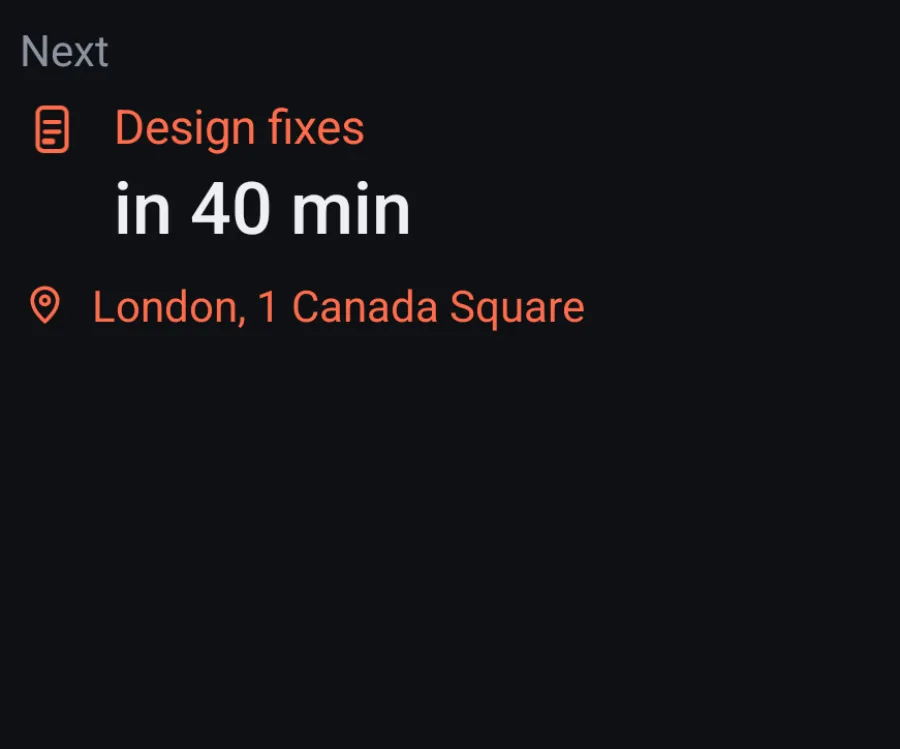
See what’s next and how much time you have.

Read through the next few hours in a simple list.

Three weeks together, with markers on days that already have plans.
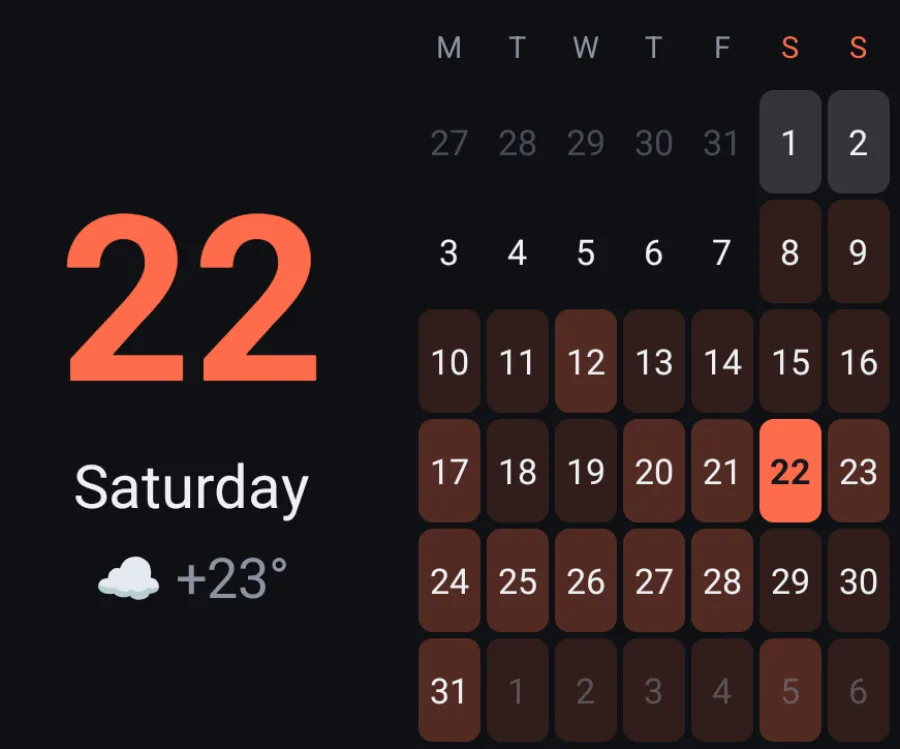
A small calendar that doesn’t need a whole home screen to itself.

Check the address on a map while getting ready to go.

See how long the journey will take in traffic before setting off.
Add an appointment or a task from your phone’s home screen.
A closer look
Connecting a work calendar, adding an appointment by voice, remembering a task — here’s a closer look to help you decide whether the app is right for you.
Appearance
You might prefer a light theme or find a dark background easier to read. There are four themes, including twilight and true black for OLED. Choose your colors and text style, leave more room between rows, or fit more appointments on the screen. You can adjust the animations or turn them off too.

Before you install
The open beta is available on RuStore, an Android app store. A direct APK download is planned a little later.
There is a free tier: the calendar, five schedule views, reminders and moving meetings, at no charge. The full set of widgets, voice input, custom themes, AI analysis and sports calendars come with the Pro subscription — 249 ₽ a month or 1490 ₽ a year. The open beta continues, and the tariffs apply.
You don’t need an account to use the calendars on your phone. You’ll need to sign in if you’d like to use voice features, connect Todoist, or transfer settings to a new phone.
In the calendars you already use. The app works with them on your phone and doesn’t keep a separate server copy of your schedule.
I’m still working on the app, and you may come across bugs. If something doesn’t work as expected, please email me — hearing what happened helps me look into it. I try to fix bugs within a week.
The app runs on Android 10 or later and supports phones, tablets, and Fold and Flip models.
Telegram is quickest: @PlannexPro for app news, @Plannexpro_bot for questions, bug reports and feature requests. Email works too — support@plannexpro.app: I read and reply myself.
Open beta
Install the app and open the calendars you already use. See how it feels to plan a day, move appointments, and check your widgets. I’d love to hear what works for you and what’s still missing.
Get it on RuStore